
01
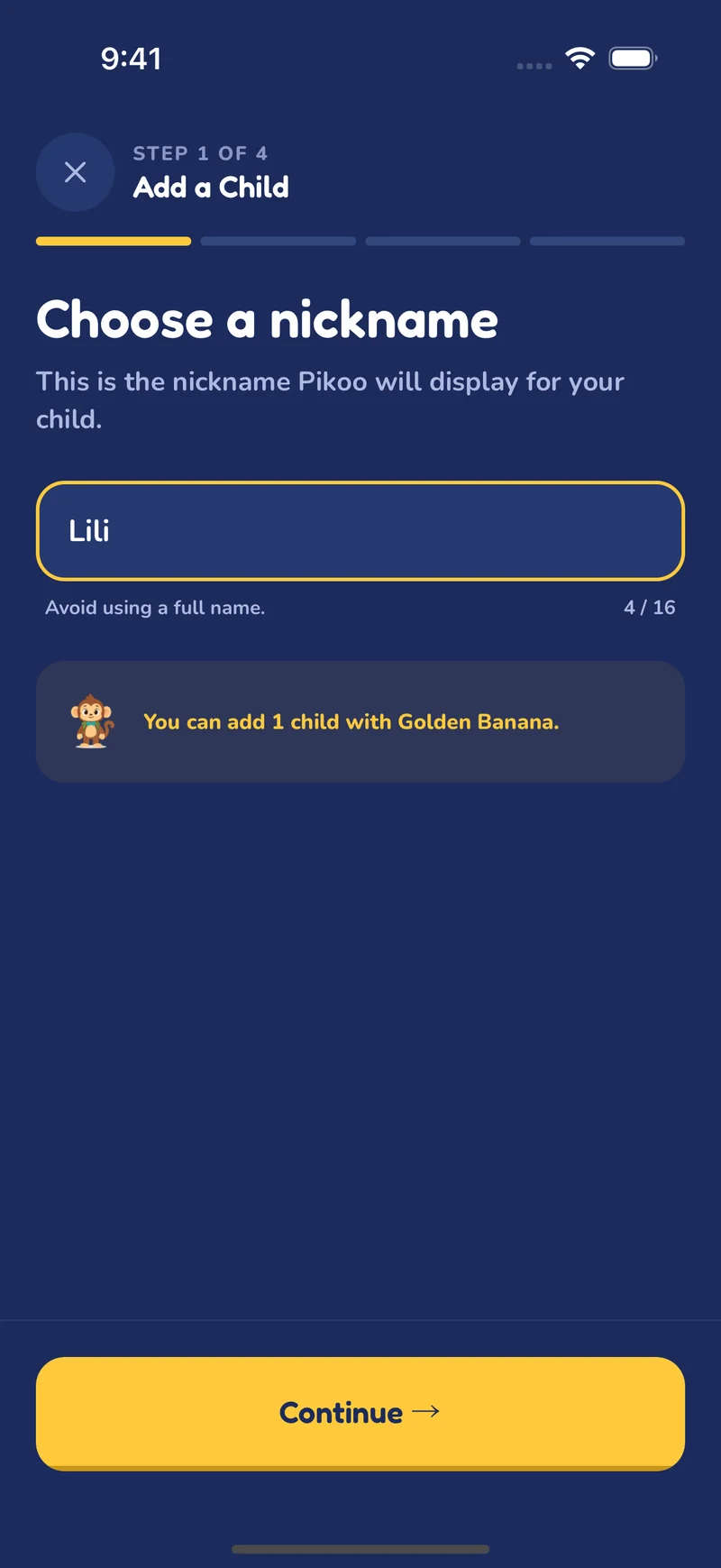
Create your child’s profile
Add a nickname, grade and avatar. Each child can have a separate learning journey.
Pikoo, step by step
You bring the material to study. Pikoo creates quizzes tailored to your child and helps them move forward one small win at a time.
How it works
Add a nickname, grade and avatar. Each child can have a separate learning journey.
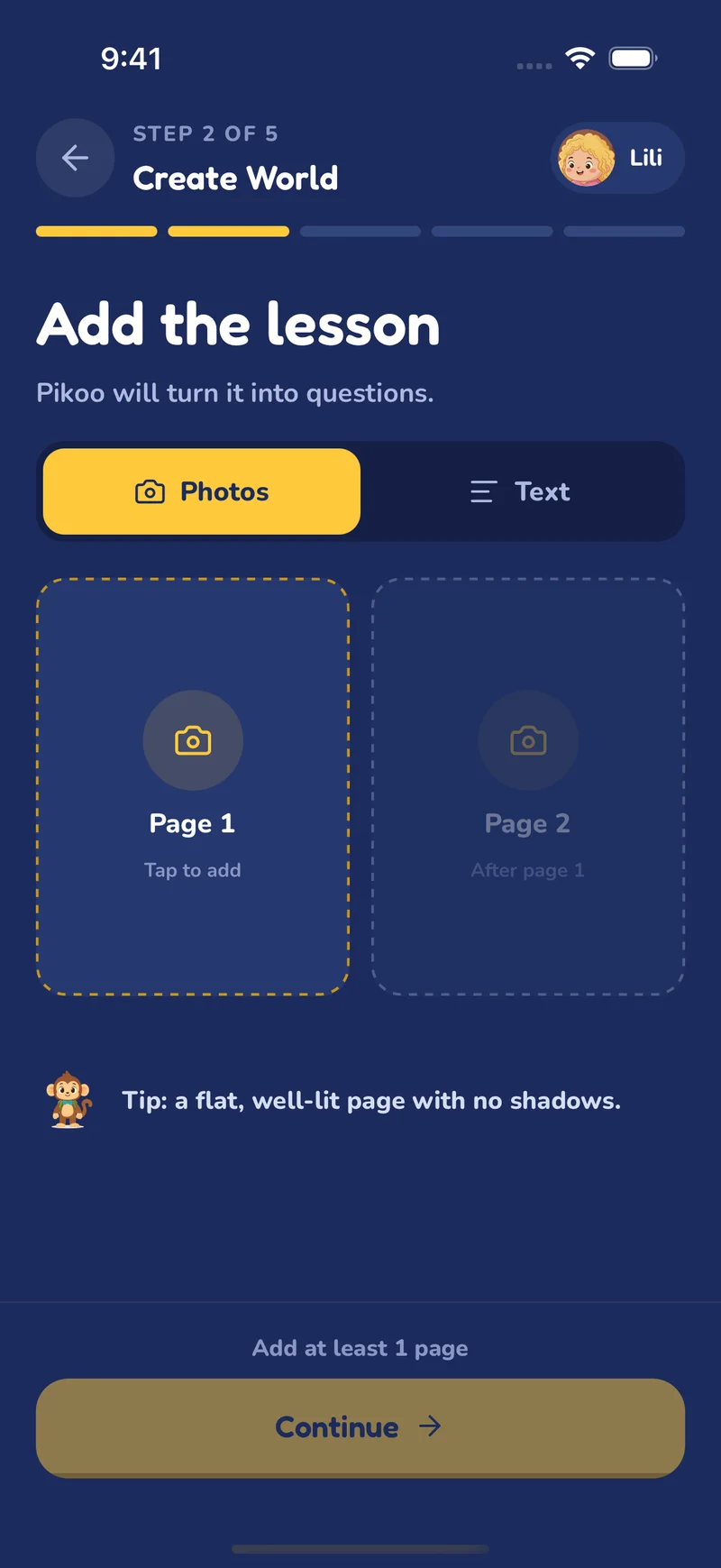
Take a photo of homework or a lesson, or enter the content. Then choose what your child will practise.
Pikoo turns the material into grade-appropriate quizzes. Your child answers, gets feedback and moves through their world.
Features
Parent tools and the child’s experience work together, from the first question through progress tracking.
Upload a photo or enter the material to study. Pikoo uses it to create questions about your child’s lessons.
Each child’s grade and journey stay separate and organized, even when several children use Pikoo.
Questions reflect your child’s grade. Available options let you adjust the number of questions and level of challenge.
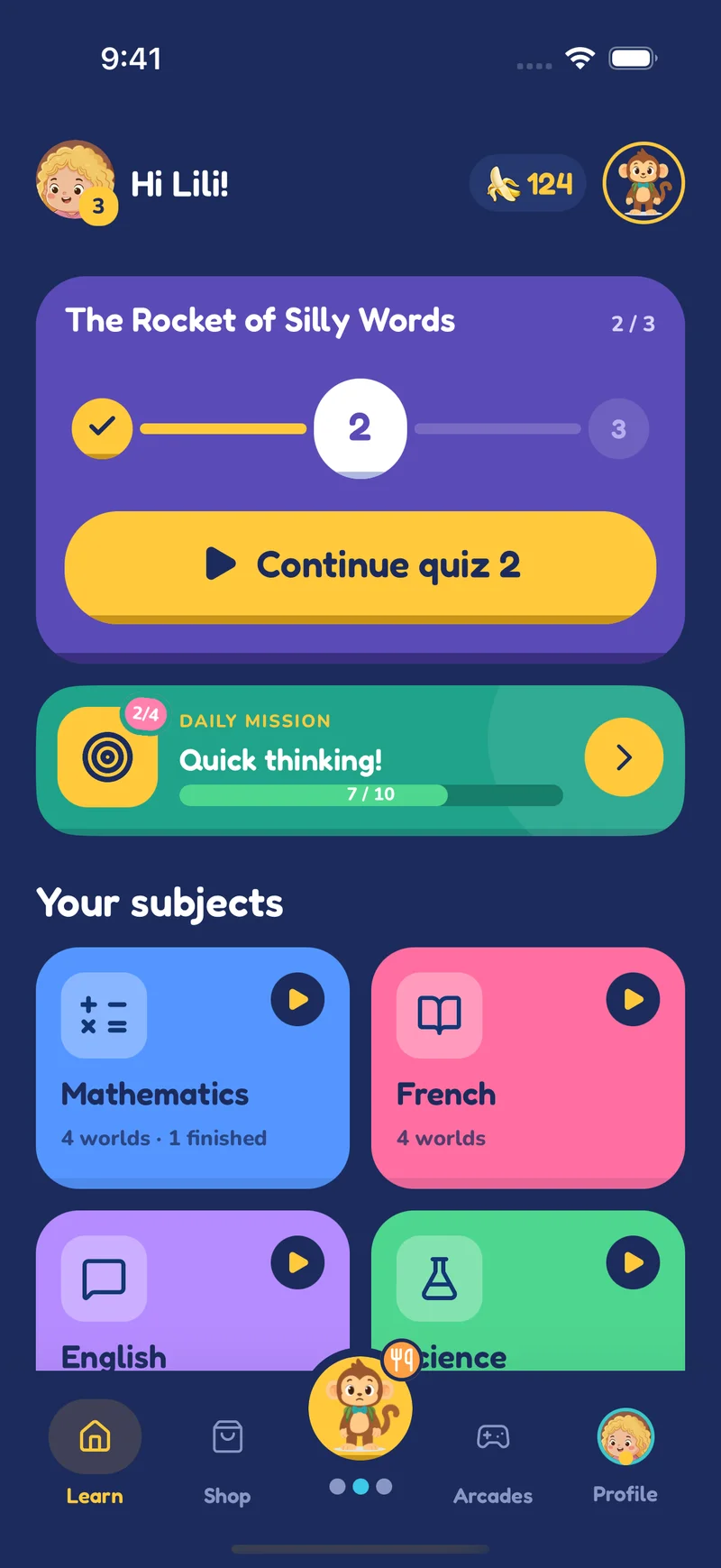
A world groups several quizzes about the chosen material. Your child completes them one by one along a visual path that shows their progress.
Your child can check an answer, get help when needed and understand more before moving on.
See completed quizzes, results and topics to revisit so you can encourage your child at the right time.
Ready to begin?
Add your child, choose a lesson and see what Pikoo can make of it.